How-To Articles


Cutting SVG Files with Cricut Cutting Machines

Cutting SVG Files with Cricut Cutting Machines

Update! Click here if you have a Cricut Explore and want to learn more about using SVG files with Cricut Design Space:
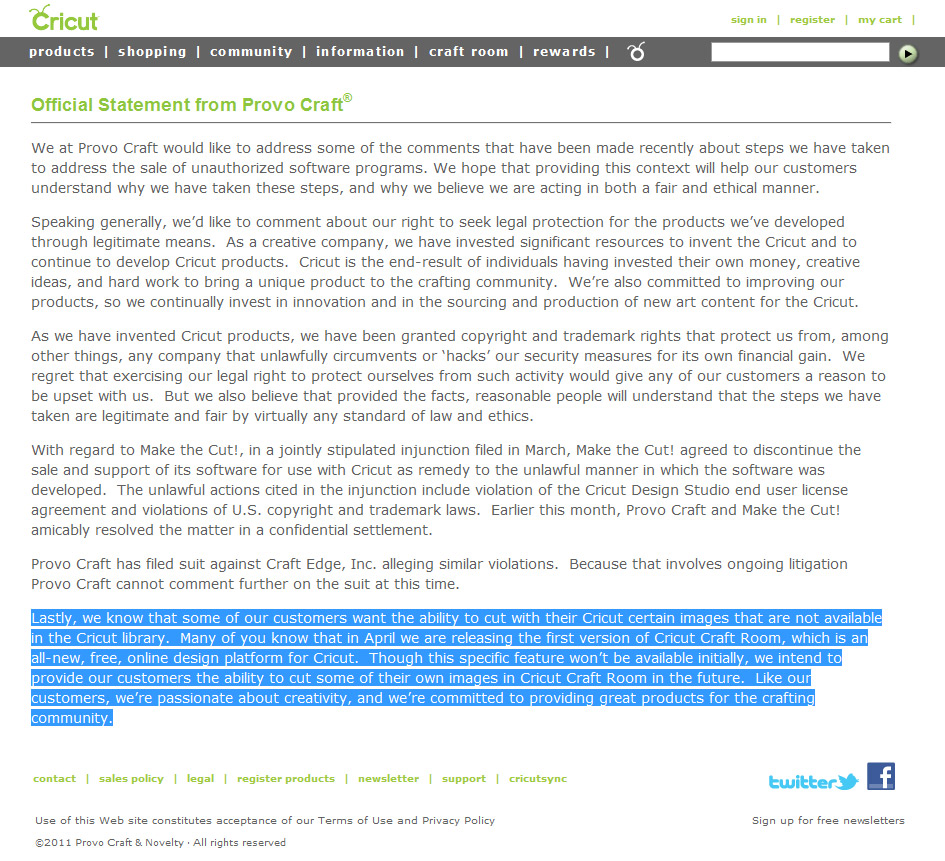
Based on recent site analytics, we're seeing an increase in the number of Cricut users wanting the ability to cut SVG files with their machines! Did you know that it was once possible to purchase software that ...
SVGCuts For Beginners - eCAL, Silhouette Studio Designer Edition, Make-The-Cut

SVGCuts For Beginners - eCAL, Silhouette Studio Designer Edition, Make-The-Cut

At some point in time, EVERYONE is new to SVGCuts and SVG files, but that hasn't stopped tens of thousands of paper crafters from creating amazing projects using our SVG files! Using SVG files with eCAL, SCAL, Make The Cut or Silhouette Studio Designer Edition is much easier than you think thanks to the extra work we put into creating our files! In the following video, we'll discuss:

  • Downloading SVG

...


Photography Tips for Paper Crafters - Aperture and Bokeh

Photography Tips for Paper Crafters - Aperture and Bokeh

Let's talk about the terms "aperture, shutter speed and ISO."

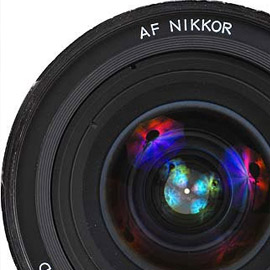
All three of these camera settings are interconnected and play a major role in determining the final appearance of your photo. This article will focus on how aperture affects bokeh (or "background blur").
What is Bokeh?
In photography, bokeh is the blur,or the aesthetic quality of the blur, in out-of-focus areas of an image. (source: ...


Photography Tips For Paper Crafters

Photography Tips For Paper Crafters

A photographer went to a socialite party in New York. As he entered the front door, the host said "I love your pictures - they're wonderful; you must have a fantastic camera." He said nothing until dinner was finished, then: "That was a wonderful dinner; you must have a terrific stove." - Sam Haskins
Sam Haskins is 100% correct! Knowing how to ...


Using SVG Files with Silhouette Studio Designer Edition

Using SVG Files with Silhouette Studio Designer Edition

If you have a Silhouette Cameo and/or Silhouette SD, you can now cut our amazing library of SVG files using the Silhouette Studio Designer Edition software! The "Designer Edition" is a special upgraded version of the Silhouette Studio software. Designer Edition does NOT come bundled with your Cameo or SD, but upgrading is simple and will cost you around $27. You can purchase the ...


Sizzix eclips Scoring Video Tutorial

Sizzix eclips Scoring Video Tutorial

Sizzix eclips

The Sizzix eclips has a unique scoring feature that has the potential to give your projects a more polished look! Instead of cutting perforated score lines, you can tell the eCAL software to score these lines instead! The Sizzix eclips scores by "lightly" pressing the blade against the paper instead of cutting all the way through! It's ...


Sizzix eclips FAQ

Sizzix eclips FAQ

Important! Before you perform any of the troubleshooting below, make sure that you have the latest version of Sure Cuts a Lot for eclips (eCAL) installed on your computer.

You can check your version number by clicking on the Help option in your toolbar and then selecting About eCAL.

The latest version of eCAL can be download by visiting CraftEdge.com http://craftedge.com/download/download.html

Sizzix eclips Troubleshooting

Sorry, No FAQ Available!


How-To Articles